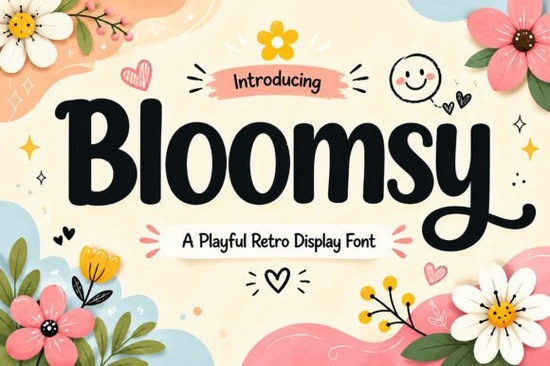
If you need a display font that feels warm and approachable, Bloomsy is a strong candidate. Its bold rounded shapes and handcrafted style make it ideal for logos, packaging, and children’s products that need a friendly touch. Whether you’re a print-on-demand seller or a hobbyist crafter, this retro-inspired typeface brings instant charm without looking too polished or corporate.
What kind of projects does Bloomsy work best for?
Bloomsy shines wherever you want to communicate warmth and playfulness. Here are some real-world uses where this font stands out:
- Logo design and branding – Soft, chunky letterforms make brand names feel approachable. Great for bakeries, toy stores, or kids’ clothing lines.
- Packaging and labels – Add a cheerful retro vibe to product boxes, jar labels, or sticker sheets.
- Children’s products – Books, toys, and room decor become instantly inviting with Bloomsy’s friendly curves.
- Greeting cards and invitations – Birthday, baby shower, or thank-you cards feel more personal with this handcrafted look.
- Social media graphics – Headlines and quotes pop with that bold, rounded style.
- T-shirt designs and merch – The chunky letters read well on fabric and work for both kids and adults.
If you’re working on a project that needs a vintage or playful feel, Bloomsy pairs nicely with other retro-inspired fonts. For example, you might combine it with a melted, groovy style for a 70s theme, or use a floral display font for seasonal designs. Designers building a full brand toolkit often start with a friendly headline font like Bloomsy and then add a stacked, heavy font for contrast.
How does Bloomsy compare to other display fonts?
Many display fonts lean either too modern or too decorative. Bloomsy sits in a sweet spot: it’s playful but still readable, retro but not dated. The typeface includes uppercase and lowercase letters, numbers, punctuation, and multilingual support, so you can use it for international projects without missing characters. It’s also PUA encoded, meaning you can access special glyphs and ligatures easily in design software like Canva, Illustrator, or Procreate.
Installation is straightforward on both Mac and Windows. Just download the file, double-click, and activate it – no extra tools needed. For a more vintage direction, ornate Victorian fonts offer a different mood, but if you want something that feels warm and current, Bloomsy is a better daily driver.
Can I use Bloomsy Font for print-on-demand products?
Absolutely. Print-on-demand sellers will appreciate how well Bloomsy works on apparel, mugs, and tote bags. The bold strokes mean your text stays visible even on dark backgrounds, and the rounded edges keep designs from looking harsh. It also layers nicely behind illustrations or inside badges. For example, place “Happy Birthday” in Bloomsy inside a circular frame for a clean POD template.
If you’re building a collection of kids’ designs, you might also look at friendly, handwritten-style fonts to complement Bloomsy. Together they create a cohesive, playful brand across multiple products.
Quick checklist before you download
- Make sure your design software supports OpenType features (most do).
- Test Bloomsy on a few mockups to see how the chunky letters scale.
- Pair it with a simple sans-serif body font for balance.
- Check that your project’s language uses the supported characters – Bloomsy covers Western European languages well.
Once you have the font installed, try using it for a birthday invitation or a product label first. It’s forgiving and easy to work with, so you’ll quickly see how its retro charm makes any design feel more personal.
Get Started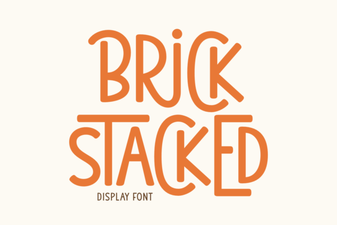 Stacked Brick Fonts for Bold Graphic Design
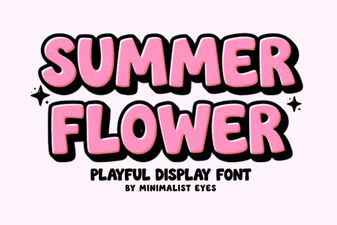 Floral Summer Fonts for Beautiful Design Projects
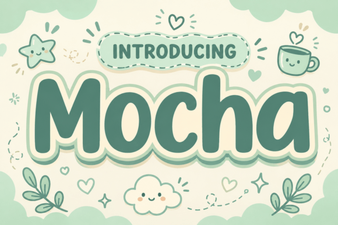 Discover Motcha: a Creative Font for Bold Designs
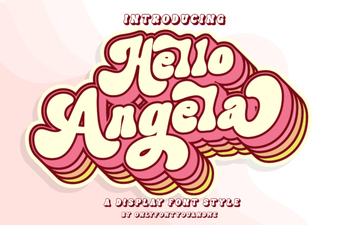 Hello Angela Font for Creative Typography Projects
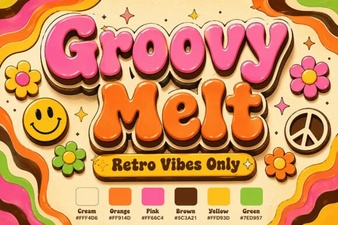 Groovy Melt Font: Creative Design Ideas & Download
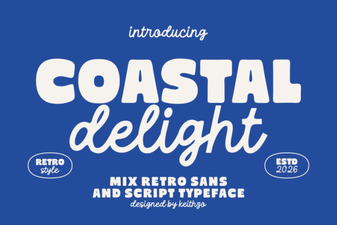 Coastal Delight Font for Seaside Craft Projects